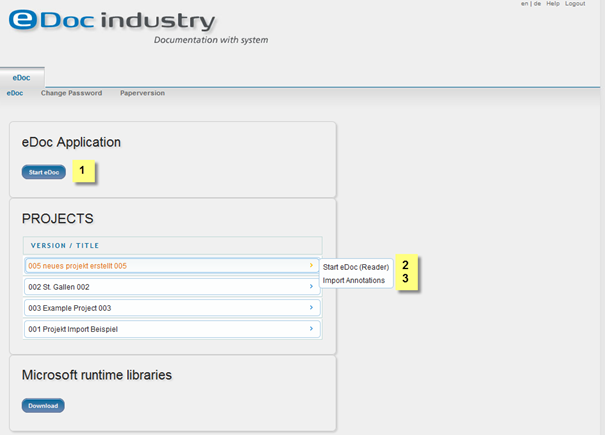
1. Start eDoc
2. Start specific project as Reader
3. Import Annotations
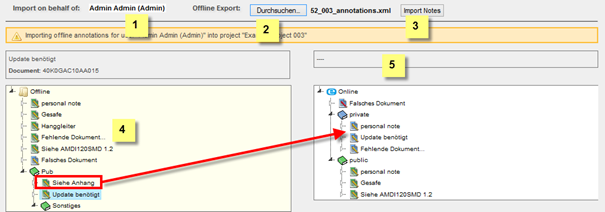
1. Import on behalf of: Select a user to import the notes on behalf of if necessary
2. Select the XML file to import the notes from (you need to have exported notes from the selected project)
3. Import Notes: Once you have selected the file click the “Import Notes” button
4. Imported Notes: To import notes drag and drop the notes you want to import
5. Existing Notes: Displays the structure of the existing notes