·
Question
of whether PDF documents should be supplemented with document information. This
is defined in the template.
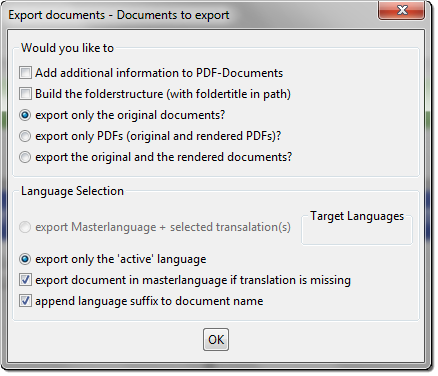
Fig. 47: Prompt dialog - Additional information
Question of whether the export folder names
should include the folder names (otherwise only the chapter IDs are used)
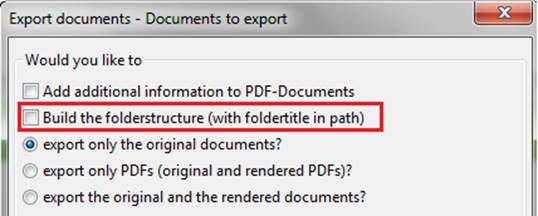
Fig. 48: Prompt dialog - Folder structure with folder titles
·
Asks which
documents should be exported. Originals, only PDFs or original documents and
converted PDFs
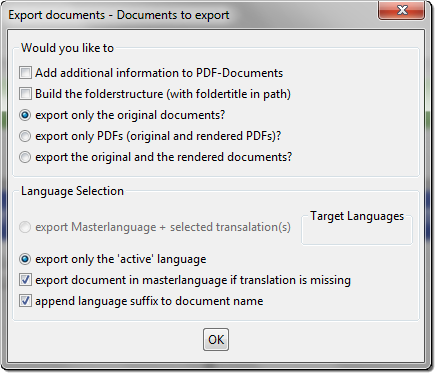
Fig. 49: Prompt dialog - Documents to export
·
"Browse
for folder" is opened for the Windows dialog
·
Select a
target folder into which the files and folder structures to be exported are to
be written
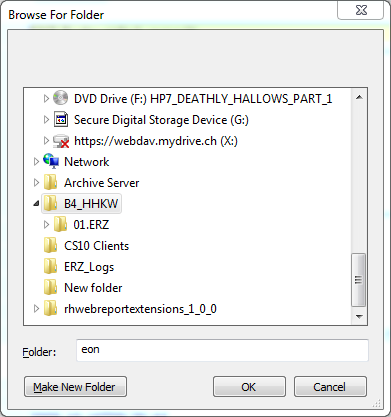
Fig. 50: Standard Windows
dialog – Browse For Folder
·
The export
is started as soon as the user confirms the folder with OK
·
The status
dialog provides information on the progress of the export and any problems that
arose during the export.
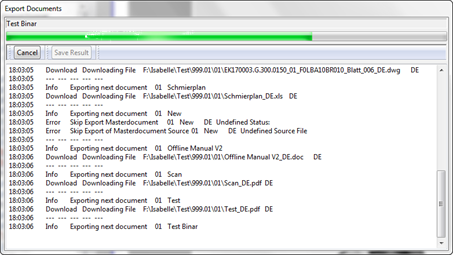
Fig. 51: Progress dialog -
Export Documents
·
Provides
information on the success/failure of the export
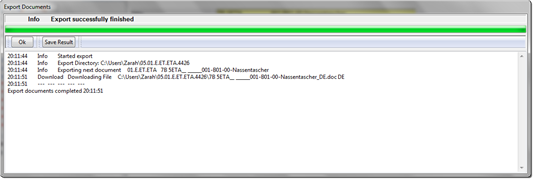
Fig. 52: Info - Export successfully finished
·
The
selected folder in the file system contains all subordinate structures and
files of the node on which the function was started.
·
Empty
folders are not exported.